

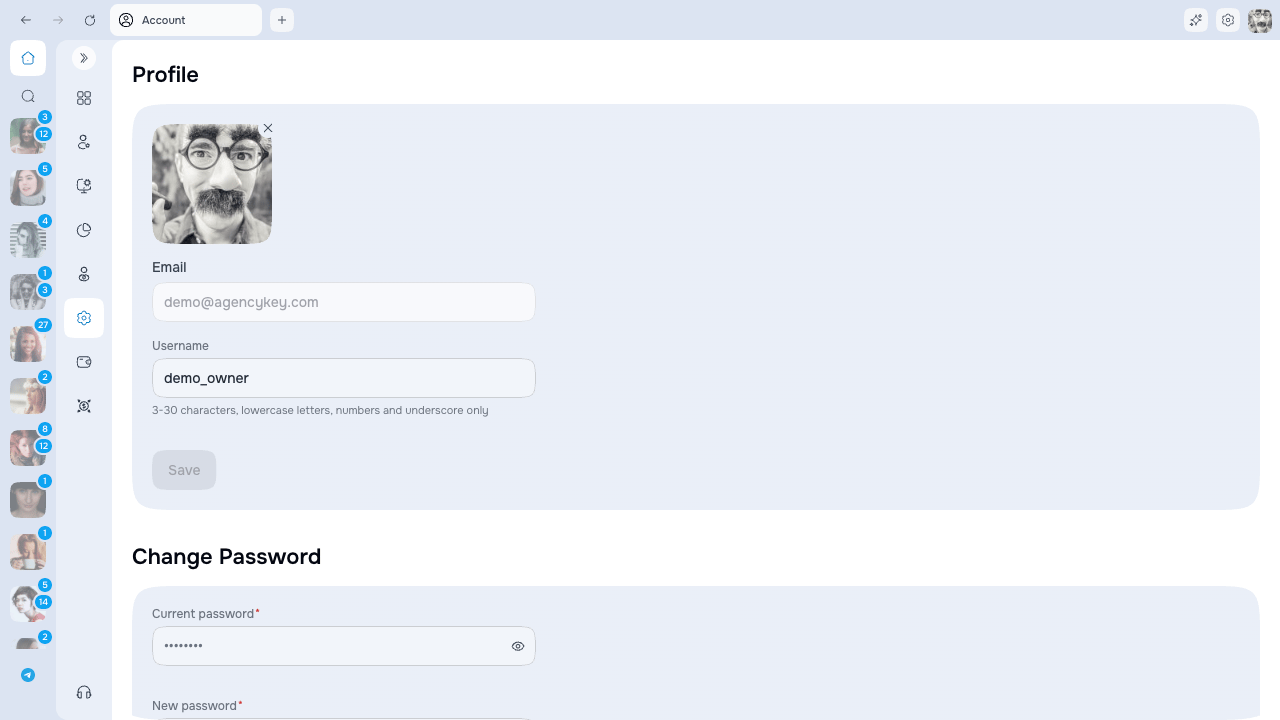
Use a strong password
Use a unique password with at least 8 characters, including an uppercase letter, a lowercase letter, and a number. Do not reuse it on OnlyFans or share it with another employee. Changing the password requires your current password. After the change, AgencyKey signs out all of your sessions, including the current one, so sign in again with the new password.Enable two-factor authentication
You can enable either or both methods:
Email codes expire after 10 minutes. A new email code can be requested after the 30-second resend timer finishes.
When both methods are enabled, the sign-in screen lets you choose an available method.
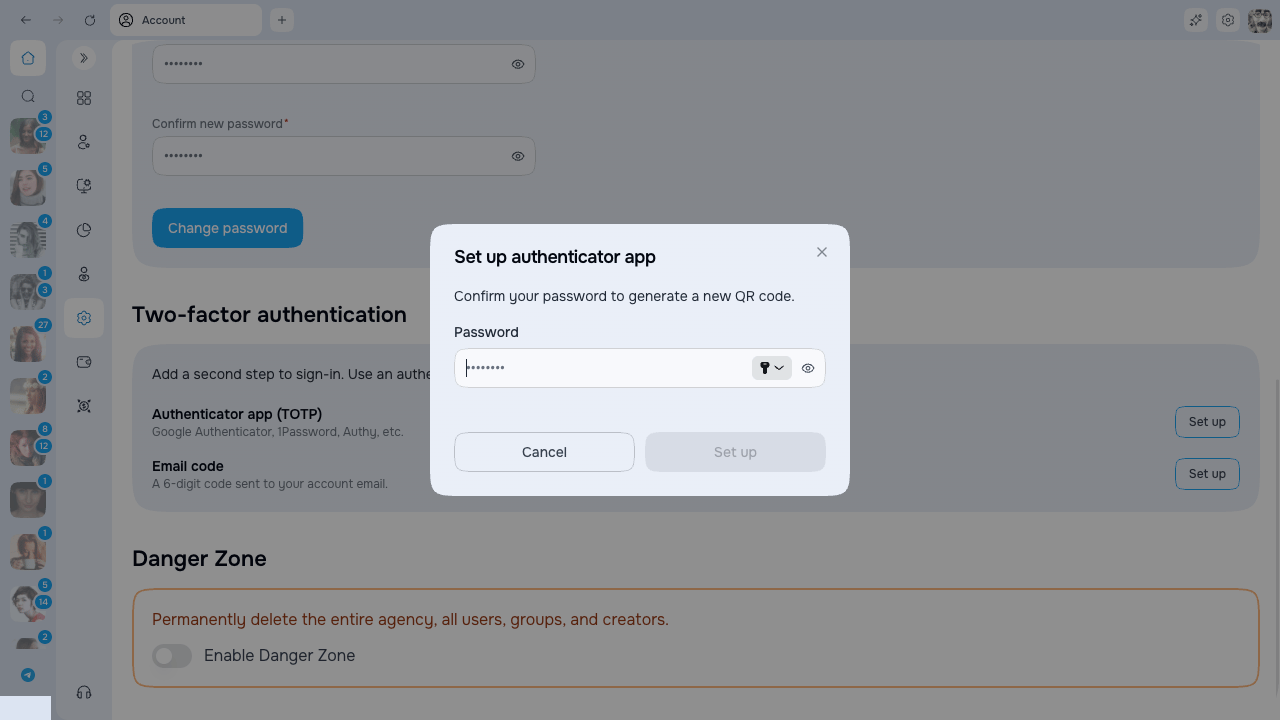
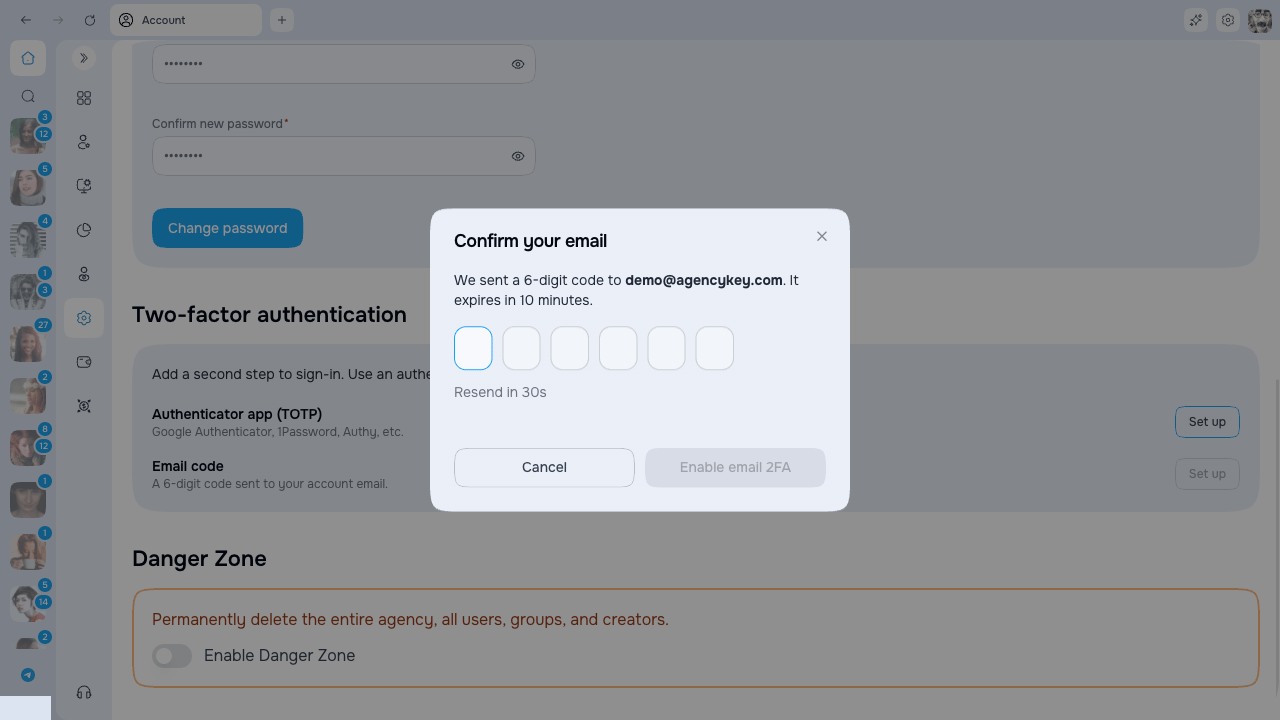
Save recovery codes
Recovery codes appear once when the first 2FA method is enabled.- Save them before closing the dialog.
- Each code can be used only once.
- Keep them somewhere secure and separate from the device you use to sign in.
- Do not send them in team chats or store them with the account password.
Regenerate recovery codes
Use Regenerate recovery codes if the saved set may be exposed or is running low. You must confirm your password. Regenerating immediately invalidates every code from the previous set.Disable a method
Disabling an authenticator or email method requires your current password. Keep at least one method enabled whenever possible.If you lose access
- Try another enabled 2FA method.
- Use one unused recovery code.
- If neither is available, contact AgencyKey support. Identity verification will be required.